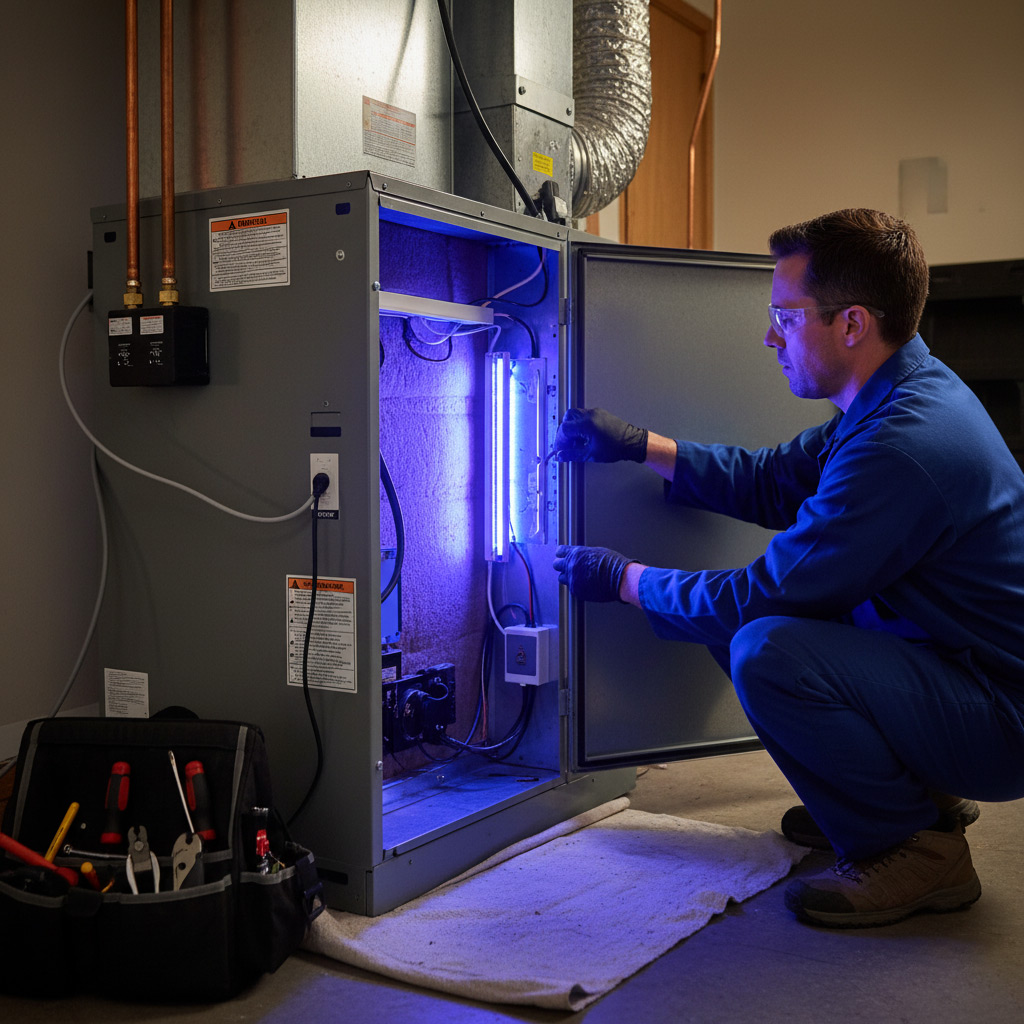
When your AC starts sputtering like a busted lawn mower and the house feels like a sauna, most people panic – but the savvy Fort Wayne homeowner doesn’t.
They pull up the service history on their phone, swap out the filter in under a minute, and run a quick diagnostic check before even thinking about calling a tech. It’s the same mindset that keeps their energy bills low and their comfort level high.
Ready to see the exact checklist that turns a heating nightmare into a simple fix? Keep reading and you’ll discover the step‑by‑step routine that keeps Fort Wayne homes running smooth all year.
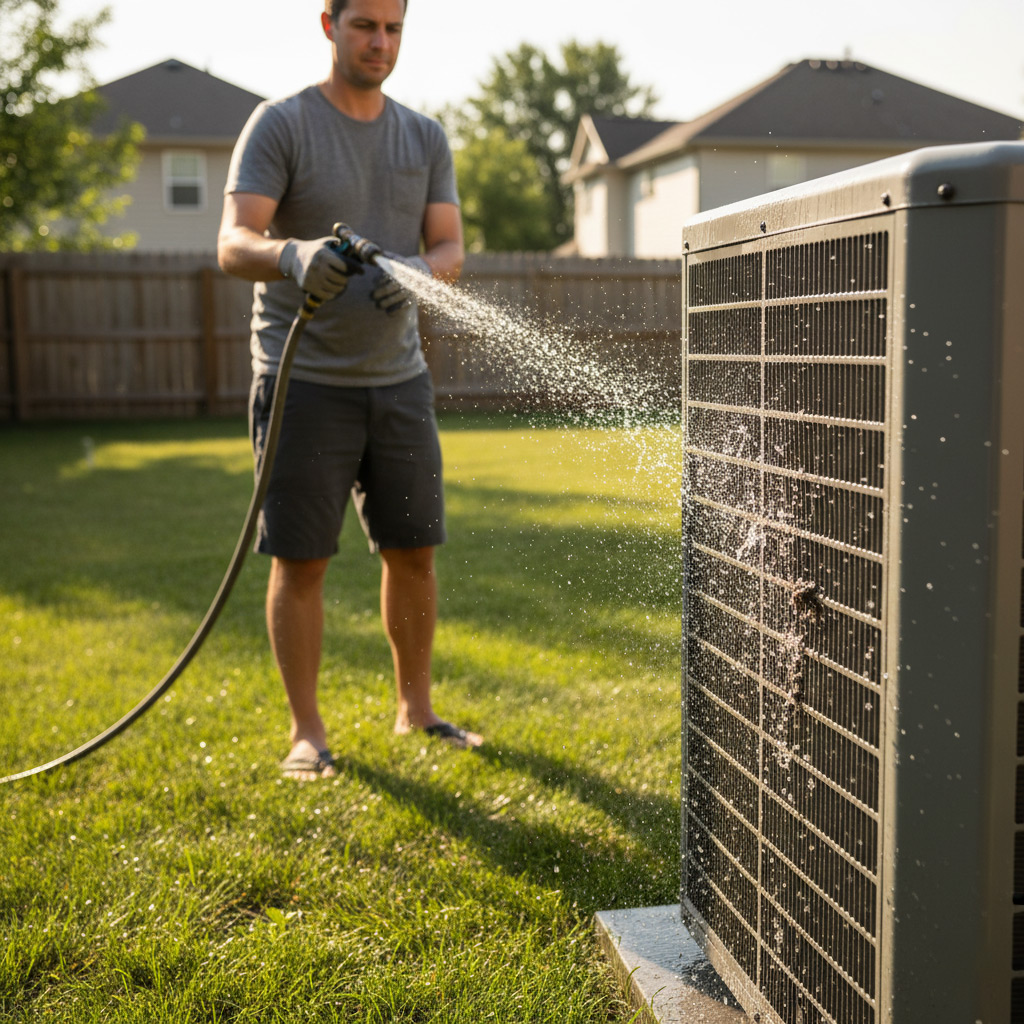
Quick Pre‑Check: Power, Thermostat Settings, and Air Filter Inspection
Step 1 – Verify Power
First thing’s first: make sure the unit actually has juice. Flip the breaker back on, listen for the fan’s soft whir, and glance at the indoor LED for a steady glow.
If the breaker trips again, you’ve got a short somewhere and it’s time to call a pro. Otherwise, you’re good to move on.
Step 2 – Thermostat Settings
Pull up the thermostat screen and confirm it’s set to cool (or heat, depending on the season) and that the temperature is at least 2‑3 °F lower than the room’s current reading.
Don’t forget to check the mode: auto will swing the fan on and off with the compressor, while on forces constant airflow—useful for a quick test.
Step 3 – Air Filter Inspection
Locate the filter panel, slide the filter out, and give it a once‑over. If it looks dark, gritty, or feels dense to the touch, replace it.
- Standard 1‑inch filters: swap in a new one in under a minute.
- High‑efficiency pleated filters: tap gently to loosen debris before reinstalling.
A clean filter restores airflow, reduces strain on the compressor, and can shave a few dollars off your monthly bill.
Identifying Common AC Problems Using Basic Diagnostic Tools
Toolbox Essentials
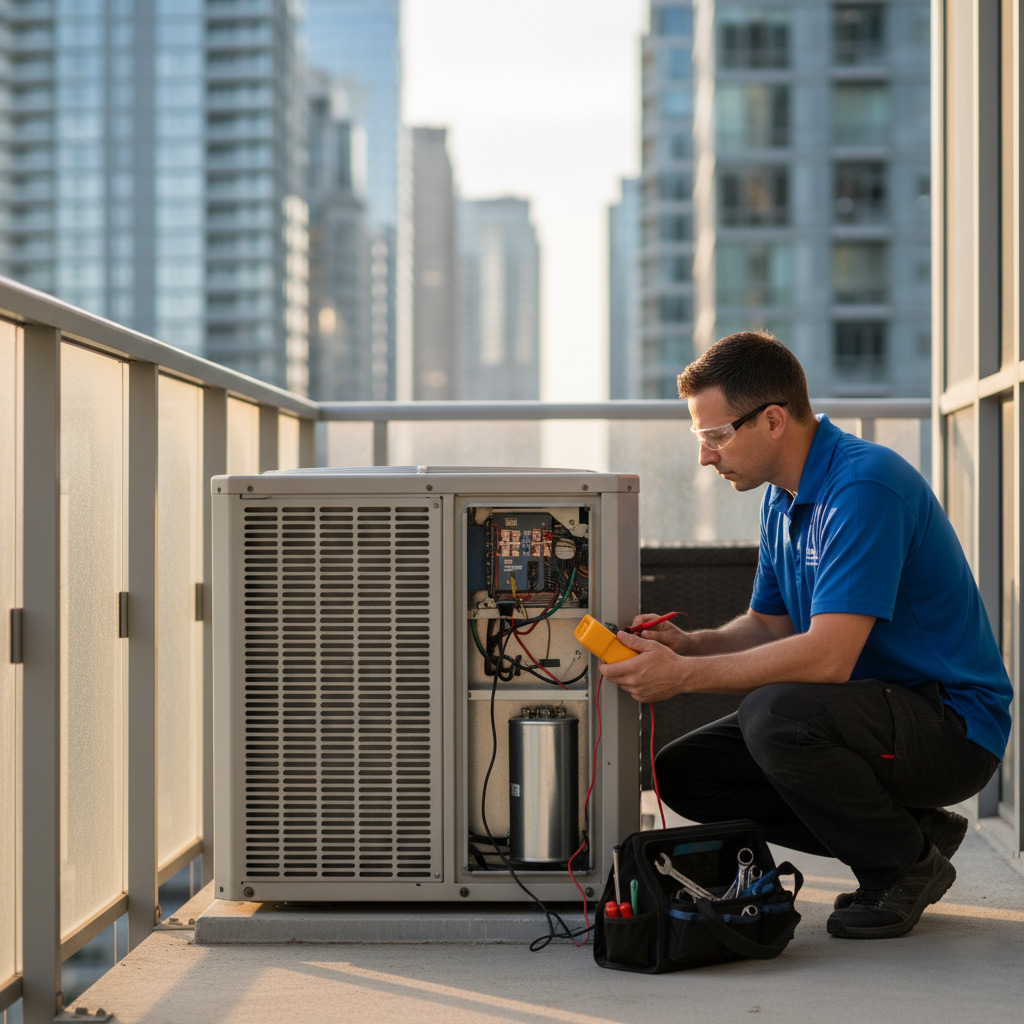
Before you start, grab a digital multimeter, a refrigerant pressure gauge, and an infrared thermometer. These three tools give you the data you need without calling a tech.
Keep them in a sturdy case so you can pull them out in seconds. Quick access means you won’t waste time hunting for equipment.
- Multimeter – checks voltage and continuity on coils and capacitors.
- Pressure gauge – reads high‑side and low‑side pressures.
- Infrared thermometer – spots temperature differences on ducts and vents.
Spotting the Symptoms
When the AC blows warm air, the first suspect is low refrigerant. Hook the pressure gauge to the service ports and compare the numbers to the manufacturer’s chart.
If the unit cycles on and off every few minutes, look at the thermostat wiring with the multimeter. Continuity problems often cause short cycling.
- Warm air – low pressure, possible leak.
- Short cycling – faulty thermostat or capacitor.
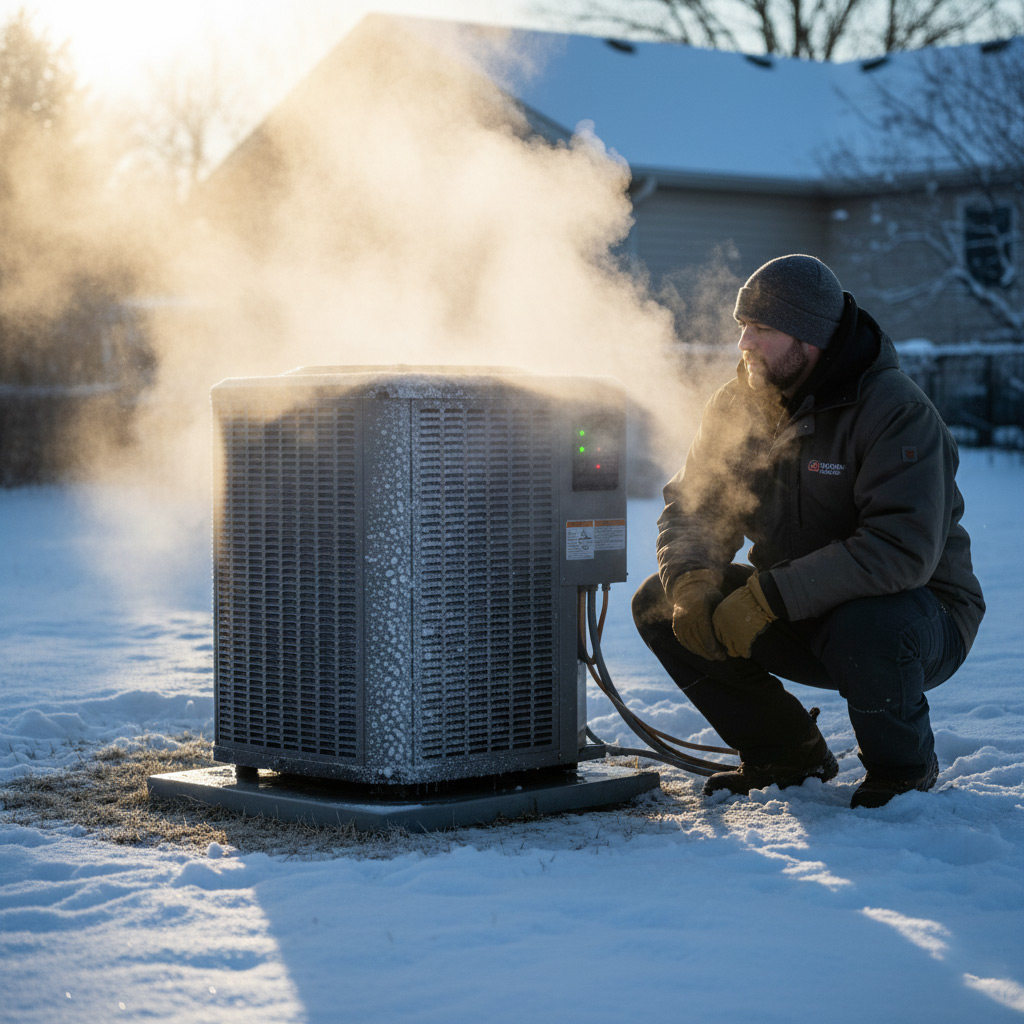
- Ice on coils – restricted airflow, dirty filter, or low refrigerant.
Reading the Numbers
Take the temperature reading at the supply vent and the return vent. A difference of less than 15°F usually means the system isn’t cooling properly.
Match the pressure readings to the outdoor temperature. If they’re off, you’ve pinpointed a pressure issue that you can address before the pros arrive.
Resetting and Reprogramming Your Smart Thermostat for Optimal Performance
Why a Reset Helps
Even the smartest thermostat can get confused after a power surge or a firmware update. Resetting it wipes the slate clean, letting the system start fresh without lingering glitches. Think of it as giving your HVAC a quick coffee break before it gets back to work.
Step‑by‑Step Reset
- Turn off the thermostat from the main power panel or remove the battery pack.
- Wait 30 seconds—just long enough for any residual charge to drain.
- Power it back on and let the screen flash to the default home screen.
- Follow the on‑screen prompts to reconnect Wi‑Fi and re‑enter your account.
Reprogramming for Fort Wayne Weather
Once the reset is done, it’s time to teach the thermostat how Fort Wayne really feels. Open the app, tap “Schedule,” and set distinct profiles for Winter Warm‑up and Summer Cool‑down. Keep the temperature swing tight—no more than 2 °F between day and night—to avoid short‑cycling.
Don’t forget to calibrate the sensor. Most units have a “Learn” mode: let the thermostat sit idle for 10 minutes while the house sits at a stable temperature, then hit “Calibrate.” This tiny step can shave off a few dollars from your monthly bill.
DIY Solutions for Frequent Heating Issues in Fort Wayne Homes
Check the Filter and Vents
Dusty filters are the silent killers of furnace efficiency. Pull the panel, swap the filter, and you’ll feel the difference in a single heating cycle.
Next, walk the house and make sure every vent is open and unobstructed. A quick hand‑check can stop hot‑spot complaints before they start.
- Use a 1‑inch pleated filter; replace it every 30 days during winter.
- Clear furniture, curtains, or toys that block airflow.
- Inspect the return grille for debris; a vacuum can do the trick.
Thermostat Tuning and Reset
Smart thermostats love a clean slate. Turn the unit off for 30 seconds, then power it back up to clear any glitchy code.
After reboot, verify the heat‑set point matches your comfort level and that the system is set to “heat” not “auto.” If the temperature still drifts, run a manual “hold” for an hour to see if the furnace responds.
Blower Motor & Flame Sensor Care
Listen for a rattling blower; that’s a sign the motor bearings need a little grease. A few drops of lightweight oil can silence the noise and keep air moving.
For gas furnaces, the flame sensor often gets coated with soot. Turn off power, remove the sensor, and gently rub it with fine‑grade sandpaper. Reinstall, fire up the furnace, and watch the flame stay steady.
Using Smart Home Data to Predict and Prevent HVAC Failures
Fort Wayne homes wired with a smart thermostat are basically a health monitor for your HVAC. Every temperature swing, fan run‑time, and humidity reading gets logged in the cloud. When the data shows a trend, you can stop a breakdown before it even starts.
What the numbers tell you
Look at the dashboard and ask three simple questions:
- Is the compressor cycling faster than usual? A rapid on/off pattern often means low refrigerant or a clogged coil.
- Are you seeing a steady rise in indoor humidity after a rainstorm? That could signal a failing condensate pump.
- Do you notice a dip in fan speed during the night? It may be a motor bearing that’s wearing out.
Proactive steps you can take
Turn those alerts into action items before the tech shows up.
- Set a maintenance reminder for every 5,000 runtime hours – the system will ping your phone.
- Enable “auto‑clean” mode if your thermostat supports it; it will boost airflow for a few minutes each day to keep the coil clear.
- Export the last month’s data and compare it to the same period last year. Spot a 10% increase in run‑time? Schedule a filter change now.
Case Study: How a Fort Wayne Family Cut Energy Costs by $800 with a One‑Hour HVAC Fix
The Problem
When the Johnsons noticed their electric bill ballooning in July, they blamed the heat wave—not their furnace. A quick glance at the service app showed the unit was cycling on and off every five minutes, a classic sign of a clogged evaporator coil.
Instead of calling a tech, they grabbed a flashlight, a screwdriver, and the spare filter they kept behind the thermostat. Within minutes they had a clear picture of the issue.
The One‑Hour Fix
Here’s what they did, step by step:
- Turn off power at the breaker – safety first.
- Remove the front panel and inspect the coil for dust buildup.
- Use a soft brush and a shop‑vac to clear the grime; the coil looked brand new.
- Swap the old filter for a high‑MERV one they’d ordered online.
- Reset the smart thermostat, letting it run a short self‑diagnostic.
The whole process took about 55 minutes. The system breathed again, and the thermostat reported a 30% drop in run‑time.
The Bottom Line
After a month of normal operation, the Johnsons’ utility statement showed an $800 reduction compared to the previous year’s July bill. That’s a more than 20% savings on a single month.
What they learned: a dirty coil and the wrong filter can drain your wallet faster than a broken compressor. A quick, DIY inspection can save you hundreds and keep your home comfortable all summer long.
Final Words
Before you grab the phone and dial a tech, remember the power of a quick visual scan. A dusty coil, a loose wire, or a tripped breaker can be the culprit. One minute of inspection saves hours of waiting.
Keep the cycle moving
- Check the filter every 30 days – a clean filter = better airflow.
- Log thermostat adjustments in your phone notes; patterns emerge fast.
- Set a calendar reminder for seasonal maintenance; it’s cheaper than emergency repairs.
When the data starts whispering “something’s off,” act on it. Your smart thermostat already knows the house’s rhythm; let it guide you to the next step before the furnace throws a tantrum. Need a deeper dive? Our HVAC Troubleshooting page walks you through every scenario, from leaky ducts to clogged condensers.
People Also Ask
How can I quickly determine if my HVAC system’s power is the issue?
Check the circuit breaker for a tripped switch and verify that the outdoor unit’s disconnect is on. If the breaker is fine, look for a blown fuse or a loose wiring connection at the thermostat.What basic tools do Fort Wayne homeowners need for diagnosing AC problems?
A digital multimeter, a refrigerant pressure gauge, and a flashlight are essential. These tools let you test voltage, check refrigerant levels, and spot obvious leaks or blockages.When should I reset my smart thermostat instead of calling a technician?
Reset the thermostat if you notice unresponsive controls, incorrect temperature readings, or a loss of Wi‑Fi connectivity. A simple power cycle or factory reset often restores normal operation.Can smart home data actually predict HVAC failures?
Yes, by analyzing trends in temperature swings, runtime hours, and energy usage, smart systems can flag abnormal patterns before a component fails. Early alerts let you schedule maintenance and avoid costly breakdowns.What DIY steps can I take to fix common heating issues in a Fort Wayne home?
Start by cleaning or replacing the furnace filter, checking the pilot light or ignition system, and ensuring vents are unobstructed. If the furnace still won’t heat, inspect the blower motor and thermostat wiring for obvious faults.
Fort Wayne HVAC brings over two decades of heating and cooling expertise to the Fort Wayne community. Their certified technicians specialize in residential and commercial systems, delivering reliable service tailored to local needs. Committed to energy efficiency and customer satisfaction, they keep homes comfortable year‑round.
Need HVAC?
We accelerate your results with fast, reliable service across Fort Wayne and nearby ZIPs (46802, 46804, 46805, 46774, 46706). Our team delivers on‑time solutions so you can move forward without delay.
Request a fast quote